Guides & Learning
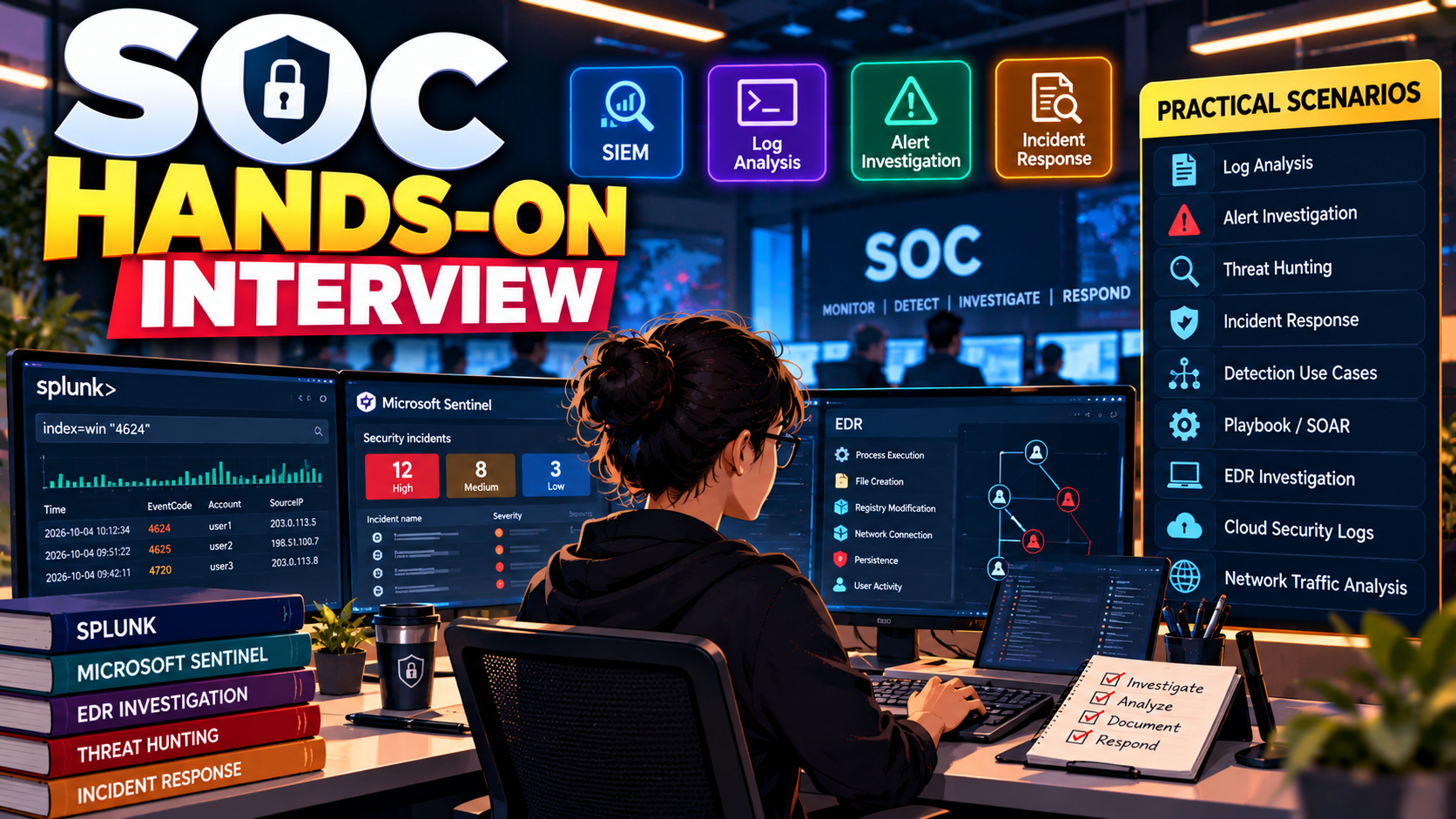
SOC L1 Hands-on Interview Questions with Answers
L1 Interview
9 min read
Part 1

1. What is a SOC?
Answer:
A SOC, or Security Operations Center, is a team responsible for continuously monitoring, detecting, investigating, and responding to security threats within an organization's environment. It uses tools such as SIEM, EDR, SOAR, firewalls, and threat-intelligence platforms.
Answer:
An L1 analyst primarily performs alert monitoring and initial triage. My responsibilities would include:
Answer:
An alert is a notification generated by a security tool indicating potentially suspicious activity.
An incident is a confirmed or suspected security event that requires investigation or response.
For example, one failed login may generate an alert, but repeated failed logins followed by a successful login from a suspicious IP could become a security incident.
Answer:
SIEM stands for Security Information and Event Management. It collects and correlates logs from different sources such as endpoints, servers, firewalls, applications, cloud platforms, and identity providers to detect suspicious activity.
Examples include Splunk and Microsoft Sentinel.
Answer:
The basic workflow is:
Log Collection → Parsing/Normalization → Correlation → Detection Rule → Alert → Investigation → Response
For example, a SIEM can correlate multiple failed logins with a successful login and generate a suspicious authentication alert.
Answer:
A false positive occurs when a security tool generates an alert for activity that appears malicious but is actually legitimate.
For example, a legitimate administrator performing multiple failed authentication attempts because of an expired password could trigger a brute-force alert.
Answer:
A true positive is a security alert that correctly identifies malicious or unauthorized activity.
For example, detecting PowerShell downloading a known malicious payload from a suspicious domain would likely be a true positive.
Answer:
IOC stands for Indicator of Compromise. It is evidence that may indicate malicious activity.
Examples include:
Answer:
IOA stands for Indicator of Attack. It focuses on suspicious behavior or attack techniques rather than just known malicious indicators.
For example, PowerShell downloading and executing a payload from the internet can be an IOA.
Answer:
MITRE ATT&CK is a knowledge base that documents real-world adversary tactics and techniques.
For example:
It helps analysts understand attacker behavior and map detections to attack techniques.
Answer:
I would follow this process:
Answer:
I would investigate whether this represents a possible brute-force or password-spraying attack.
I would check:
If the successful login is suspicious, I would escalate it as a potential account compromise.
Answer:
A brute-force attack involves repeatedly attempting different passwords against an account until the correct password is discovered.
Answer:
Password spraying is when an attacker tries one or a few commonly used passwords against many accounts, rather than trying many passwords against one account.
Brute force: Many passwords → one account.
Password spraying: One/few passwords → many accounts.
Answer:
I compare the alert with the available context.
I check:
If the activity is legitimate and supported by evidence, I classify it as a false positive. If the evidence indicates malicious or unauthorized behavior, I treat it as a true positive.
Answer:
TCP is a connection-oriented protocol that provides reliable and ordered delivery of data.
Answer:
UDP is a connectionless protocol. It is faster than TCP but does not guarantee delivery or ordering.
Answer:
SYN → SYN-ACK → ACK
The client sends SYN, the server responds with SYN-ACK, and the client sends ACK to establish the TCP connection.
Answer:
DNS, or Domain Name System, translates domain names into IP addresses.
For example:
example.com → IP address
Attackers can abuse DNS for techniques such as DNS tunneling and malicious domain communication.
Answer:
A firewall controls network traffic based on predefined rules. It can allow or block traffic based on parameters such as IP address, port, protocol, and application.
Answer:
C2 stands for Command and Control. It is communication between a compromised system and an attacker-controlled infrastructure.
An infected endpoint may communicate with a C2 server to receive commands or send stolen information.
Answer:
Event ID 4624 indicates a successful logon.
During investigation, I would examine the account, source IP, logon type, timestamp, workstation and authentication details.
Answer:
Event ID 4625 indicates a failed logon attempt.
Multiple 4625 events can indicate brute-force, password spraying, misconfiguration, or legitimate authentication problems.
Answer:
Event ID 4672 indicates that special privileges were assigned to a new logon.
It can be legitimate for administrative accounts but should be investigated if associated with an unexpected or compromised account.
Answer:
Event ID 4720 indicates that a user account was created.
I would verify who created the account, which account was created, when it happened, and whether the activity was authorized.
Answer:
Event ID 4768 represents a Kerberos authentication ticket-granting ticket (TGT) request.
It can be useful when investigating authentication-related attacks such as suspicious Kerberos activity.
Answer:
Event ID 4769 represents a Kerberos service ticket request.
It is particularly useful when investigating suspicious Kerberos activity, including potential Kerberoasting.
Answer:
Event ID 1102 indicates that the Windows Security audit log was cleared.
This can be legitimate administrative activity, but attackers may clear logs to remove evidence of their activity, so I would investigate who performed the action and what happened before and after it.
Answer:
EDR stands for Endpoint Detection and Response. It continuously monitors endpoint activity such as processes, files, network connections, command lines, and user activity to detect and respond to threats.
Examples include CrowdStrike Falcon, Microsoft Defender, and SentinelOne.
Answer:
I would:
Answer:
I would consider it suspicious and investigate the parent process, command line, destination IP/domain, downloaded file, hash, user, endpoint, and subsequent execution.
I would also check whether the activity maps to MITRE ATT&CK T1059.001 – PowerShell and search for related activity across the environment.
Answer:
It shows which process launched another process.
For example:
WINWORD.EXE → PowerShell → cmd.exe
This can be suspicious because Office applications normally should not spawn command interpreters in many business scenarios.
Answer:
I would check:
If malicious, I would recommend containment actions according to the organization's procedure and escalate the incident.
Answer:
I would:
Identify URL → Check reputation → Determine whether it was accessed → Check endpoint → Review browser/process activity → Check for downloads/execution → Search for related IOCs → Contain if necessary → Escalate → Document.
Answer:
Incident response is the structured process of identifying, investigating, containing, eradicating, and recovering from security incidents.
A common lifecycle is:
Preparation → Detection & Analysis → Containment → Eradication → Recovery → Lessons Learned
Answer:
I would escalate when:
Answer:
I prioritize based on:
Severity + Asset Criticality + Confidence + User Privilege + Business Impact + Evidence of Active Compromise.
For example, a confirmed malware infection on a domain controller would receive higher priority than a low-confidence informational alert on a normal workstation.
Answer:
I would include:
Answer:
I would treat it as a potential account compromise.
I would verify the authentication logs, source IP, location, device, user agent, MFA events, and activity following the login. I would also check whether the credentials were used elsewhere.
If the evidence supports compromise, I would follow the organization's containment process, such as session revocation or credential reset, and escalate according to the incident-response procedure.
Answer:
I would investigate:
I would also map it to MITRE ATT&CK T1053 – Scheduled Task/Job where applicable.
Answer:
I would:
3 entries, most recent posts.
Level: Intermediate
Category: Phishing / Artificial Intelligence

Severity: High CVSS: 8.7 Affected Products: Citrix NetScaler ADC & NetScaler Gateway Attack Type: Denial of Service / Possible Remote Code Execution