Cyber News
AI-Generated Fake Login Pages Are Making Account Takeovers Easier
Identity Security / Artificial Intelligence
8 min read

Category: Identity Security Secondary Categories: Email Security, Phishing, Cloud Security
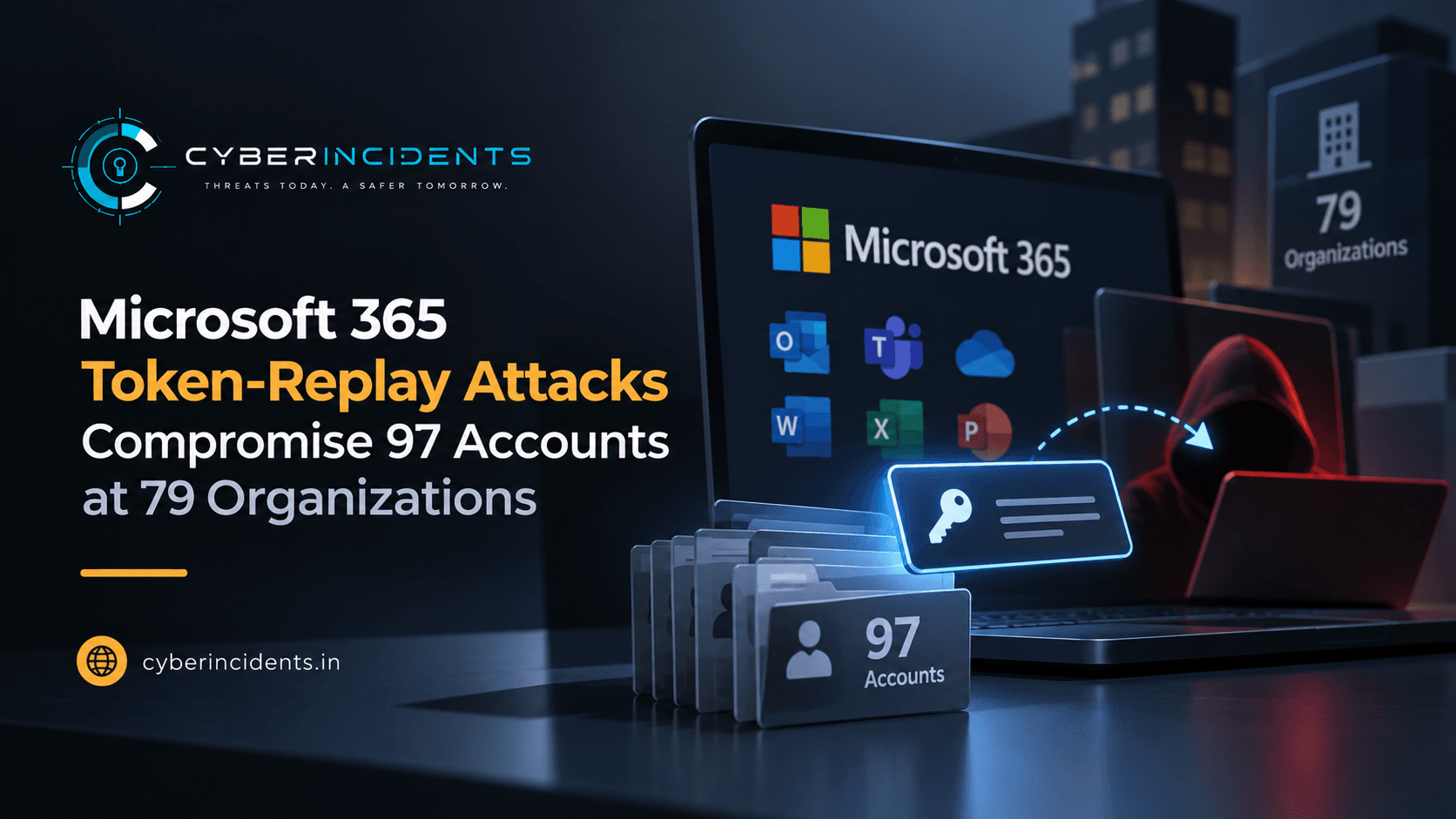
The attackers used adversary-in-the-middle (AiTM) phishing, device-code phishing and social engineering to obtain authentication tokens, allowing them to replay sessions without repeating the original MFA challenge. After gaining access, they registered rogue authenticator methods, created hidden inbox rules and abused compromised mailboxes to send spam.
The campaign demonstrates that MFA alone cannot fully prevent account compromise when attackers steal valid session tokens. Organizations should strengthen Conditional Access policies, monitor identity changes and rapidly revoke compromised sessions and credentials.
Huntress observed the campaign from July 14 through September 22, 2026. According to its investigation, attackers generated more than 200,000 failed login attempts associated with the campaign and recorded 497 successful Microsoft 365 sign-in events across victim organizations.
The activity ultimately resulted in 97 compromised accounts and 48 unauthorized devices registered in Microsoft Entra ID.
Unlike conventional password spraying, which attempts to authenticate using guessed passwords, this campaign relied on stolen authentication tokens. The technique, described as token spraying, allows attackers to replay tokens at scale to gain access to multiple accounts and organizations.
An AiTM phishing attack places an attacker-controlled relay between a victim and a legitimate sign-in service.
The victim visits a fraudulent sign-in page, enters their credentials and completes an MFA challenge. The relay forwards the authentication process to the legitimate service while capturing the information exchanged during the session.
If the attacker obtains a usable session token, they may replay it from their own device and access Microsoft 365 services without completing the original authentication process again.
The report identifies several ways tokens were obtained, including AiTM phishing pages, device-code phishing and social engineering during legitimate sign-in processes.
After obtaining access, attackers attempted to establish persistence by registering their own authenticator applications and devices.
Huntress found that, at 19 organizations, existing MFA methods were removed and new methods registered within three hours of the first sign-in. In one incident on July 21, 2026, an authenticator application named “iPhone 13” was registered less than 51 minutes after session hijacking.
The attackers also registered at least 48 unauthorized computers in victim organizations' Microsoft directories. Such devices can provide additional opportunities to obtain tokens and may remain in the directory until administrators identify and remove them.
These actions are important investigation signals because attackers may attempt to preserve access even after an initial session is revoked or expires.
The campaign also involved malicious email rules designed to hide important messages and interfere with normal mailbox operations.
Reported rule names included ., sss, ss, iT, ,., ........, s and d. Some rules targeted messages containing keywords related to payroll, deposits and bonuses, deleting them or moving them into less visible folders such as RSS Feeds and Conversation History.
In one reported case, a compromised mailbox was configured to mark incoming messages as read and delete them. The account was subsequently used to send spam to hundreds of external recipients.
These behaviors may conceal fraudulent financial communications, prevent victims from noticing security alerts and enable further abuse of the compromised account.
Huntress traced more than 200,000 failed login attempts to the IPv4 range 193.26.115[.]0/24. The campaign was initially observed from 193.26.115[.]221, an address associated in the report with a German hosting provider, 1337 Services GmbH.
The article also describes infrastructure connections to services associated with rented virtual servers. Hosting-provider associations alone do not establish that every address belonging to a provider is malicious; defenders should validate individual indicators against current intelligence and their own telemetry.
Huntress recommends reviewing and revoking compromised sessions, resetting affected passwords, auditing Entra device registrations, checking MFA methods and investigating unexpected inbox rules or enterprise applications.
Organizations should also review Conditional Access policies. Huntress recommends requiring MFA—or blocking access—for all users, all cloud applications and all client application types, subject to an organization's deployment requirements and policy design.
The central lesson is that identity security must extend beyond the initial login. Monitoring token use, device registration, MFA changes and subsequent mailbox activity can help identify account takeover before attackers cause further damage.
The Hacker News — Microsoft 365 Token-Replay Attacks Compromise 97 Accounts at 79 Organizations
Huntress — Token Replay and Token Spraying Campaign Analysis
Microsoft Security Blog — Passkey-Themed Social Engineering Leads to Identity Cloud Compromise
| Indicator | Type | Context |
|---|---|---|
193.26.115[.]0/24 | IPv4 network range | Network range associated with more than 200,000 failed login attempts in the reported campaign. |
193.26.115[.]221 | IPv4 address | Initial campaign source identified by Huntress. |
iPhone 13 | Authenticator/device display name | Name used for a newly registered authenticator application in one reported incident. |
function names: ., sss, ss, iT, ,., ........, s, d | Email-rule names | Names observed on suspicious inbox rules in the campaign. |
IOC handling: The IP indicators are defanged for safe publication. Validate them against current threat intelligence before blocking, and investigate the associated behavior rather than relying on a single indicator. The authenticator name and inbox-rule names are weak indicators that may also occur in benign environments.
Review Microsoft Entra sign-in logs for unusual successful sign-ins following repeated failed attempts.
Investigate access from unfamiliar IP addresses, locations, devices and client applications.
Correlate sign-in activity across users and organizations where your threat-intelligence visibility permits.
Identify sessions that succeed without a corresponding expected authentication pattern.
Review activity associated with 193.26.115[.]0/24 and 193.26.115[.]221, while validating findings against current intelligence.
Identify new authenticator methods registered shortly after suspicious sign-ins.
Investigate removal of existing MFA methods followed by registration of unfamiliar methods.
Review device-registration events for computers that do not match approved corporate enrollment processes.
Correlate new device registrations with sign-ins from unfamiliar networks and subsequent access to cloud applications.
Audit Exchange Online inbox rules for unexpected deletion, forwarding, marking-as-read or message-movement actions.
Search for rules targeting payroll, deposit, bonus or other financial keywords.
Review rules with unusual names, including those listed in the IOC section.
Investigate messages sent to large numbers of external recipients after suspicious sign-ins.
Check for newly created enterprise applications or OAuth authorizations associated with compromised accounts.
Prioritize investigations where the following events occur together:
Repeated failed sign-ins or suspicious authentication activity.
A successful sign-in from an unfamiliar device or network.
A new MFA method or Entra device registration.
Creation of suspicious mailbox rules.
Bulk email activity or unusual access to Microsoft 365 data.
This correlation provides stronger evidence of account compromise than any individual event alone.
Revoke affected sessions and refresh tokens.
Reset passwords and review authentication methods for compromised users.
Remove unauthorized Entra devices and MFA methods after validating the incident.
Remove malicious inbox rules and investigate outbound messages.
Review application-specific sessions and tokens that may remain active after identity-provider revocation.
Preserve audit logs and other evidence for investigation.
The supplied report describes identity-provider events, token replay, MFA changes and mailbox-rule manipulation, but does not provide the raw event fields required for a validated, portable Sigma rule. A rule based only on the reported IP address or inbox-rule names would be too narrow and could produce false positives.
For practical detection engineering, build and validate rules against your available Entra ID sign-in logs, audit events and Exchange Online audit telemetry. Prioritize detections for:
New MFA methods registered shortly after suspicious sign-ins.
Unexpected device registrations.
Inbox rules that delete, hide or move financial or security-related messages.
Suspicious sign-ins followed by bulk email sending or unusual cloud access.
Correlate these detections by user, time and source network, and test them against normal administrative and user behavior before production deployment.
Strengthen Conditional Access: Require MFA or block access for all users, cloud applications and client application types, with carefully tested policies and appropriate exceptions.
Use phishing-resistant authentication: Adopt phishing-resistant MFA methods where supported and appropriate.
Monitor authentication changes: Alert on unexpected MFA registration, removal of existing methods and new device enrollment.
Audit mailbox rules: Regularly review rules that delete, forward, hide or automatically move incoming messages.
Revoke compromised sessions: Invalidate affected sessions and tokens, and verify whether application-specific tokens require separate revocation.
Reset compromised credentials: Reset passwords and re-establish trusted authentication methods when account compromise is confirmed.
Investigate outbound email: Monitor for unusual spikes in external recipients, spam activity and suspicious mailbox behavior.
Review enterprise applications: Investigate unexpected application registrations, OAuth grants and permissions.
Validate infrastructure indicators: Use current threat intelligence before blocking IP addresses or other infrastructure.
Prepare an incident-response playbook: Document procedures for session revocation, MFA cleanup, device removal, mailbox-rule investigation and evidence preservation.
Continue reading
Cyber News
Identity Security / Artificial Intelligence
Cyber News
Vulnerability / Mobile Security

Cyber News
Category: AI Security Secondary Categories: Supply Chain Attacks, Credential Theft, Prompt Injection
3 entries, most recent posts.
Homograph attacks

Identity Security / Artificial Intelligence
Vulnerability / Mobile Security