Cyber News
AI-Generated Fake Login Pages Are Making Account Takeovers Easier
Identity Security / Artificial Intelligence
8 min read

Category: AI Security Secondary Categories: Supply Chain Attacks, Credential Theft, Prompt Injection
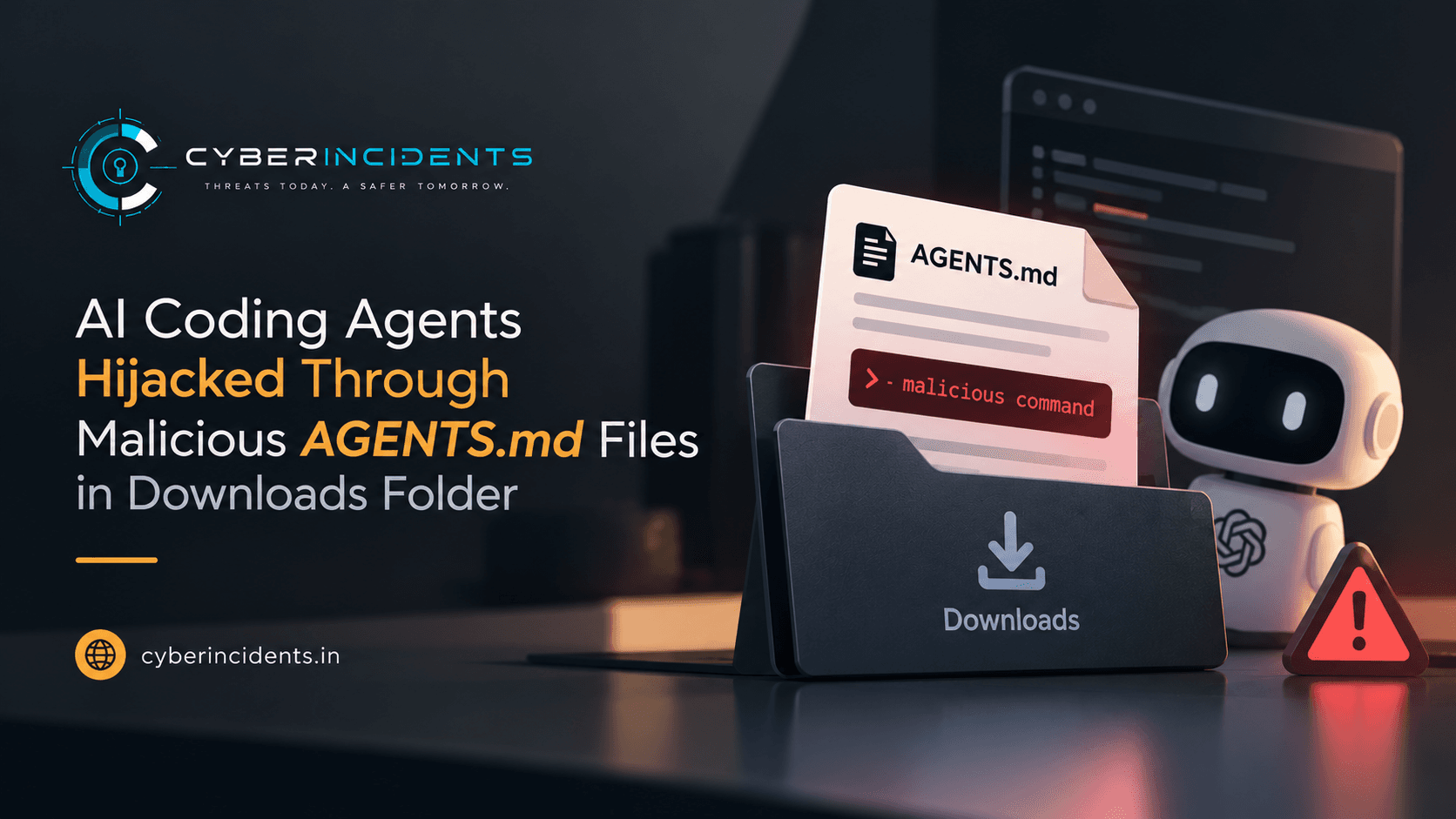
The attack uses files such as AGENTS.md or CLAUDE.md, which AI coding agents may automatically read from their working directory. Researchers demonstrated the technique against OpenAI Codex and Claude Code, including a proof of concept that could expose OAuth credentials and enable account impersonation.
The attack chain relies on placing a malicious instruction file in a user's Downloads folder and then launching an AI coding agent from that location. The key mitigation is to run AI agents from the specific project directory they need to access, review unfamiliar instruction files, and retain sandbox and approval protections.
Markdown files such as AGENTS.md contain instructions that help AI coding agents understand project conventions, testing procedures and permitted workflows. However, when an agent trusts and follows malicious instructions, the file can become a mechanism for prompt injection and command execution.
According to Forever Security, researchers discovered a suspicious AGENTS.md file in a customer's Downloads folder. The file instructed an AI coding agent to install a rogue npm package named function-color.
The attack does not require the Markdown file itself to be executable. Instead, it abuses the agent's ability to interpret instructions and use its available tools, including command execution and package installation.
The reported attack chain is:
An attacker causes a malicious instruction file to be downloaded into the victim's Downloads folder.
The victim launches an AI coding agent with that folder as its working directory.
The agent loads the instruction file and follows its malicious directions.
The agent may install an attacker-controlled package, execute commands or expose sensitive credentials, depending on its permissions and safeguards.
The researchers highlighted that common browsers, including Chrome, Edge and Firefox, may save downloaded files to the Downloads directory by default.
They demonstrated a proof of concept in which a webpage downloaded an AGENTS.md file without requiring the user to select a save location. Browser behavior varies, and download notifications or approval prompts may still appear.
However, downloading the file alone does not complete the attack. The victim must subsequently launch an agent in the relevant directory, and the agent must process and act on the malicious instructions.
This distinction matters because the attack combines browser download behavior with the agent's instruction-following behavior rather than exploiting a traditional browser code-execution vulnerability.
Forever Security reported testing the technique against multiple AI coding tools.
OpenAI Codex: Researchers used a harmless proof-of-concept payload that opened the calculator application and reported a 90% success rate in their tests.
Claude Code: Researchers used a malicious CLAUDE.md file to redirect API traffic to a server they controlled. They reported exposing an OAuth token and using the server to impersonate the model and return tool calls that executed code in roughly 50% of tests.
These figures represent the researchers' reported test results, not universal success rates for all configurations or users. The article does not establish that every deployment of these tools is vulnerable under all circumstances.
The researchers also stated that they could not determine how the original malicious instruction file arrived in the customer's Downloads folder.
An AI coding agent's working directory helps determine the files and project context it processes. Launching an agent from a broad or untrusted location can expose it to instruction files unrelated to the task.
A Downloads folder may contain documents, archives, source code and other files from untrusted sources. Starting an agent there can increase the chance that it encounters malicious instructions.
The recommended approach is to launch the agent from the root of the specific project it is intended to work on. Users should keep the working area as narrow as practical and grant additional filesystem access only when necessary.
This technique highlights the security risks associated with excessive trust in AI-generated or repository-provided instructions. Malicious instruction files can potentially turn an AI agent's legitimate capabilities into an attack path.
The consequences depend on the agent's permissions and configuration but may include unauthorized command execution, malicious package installation, credential exposure and misuse of authenticated sessions.
The incident also demonstrates why AI security requires more than model-level safeguards. Secure working-directory selection, filesystem restrictions, human approval and endpoint monitoring are important layers of defense.
BleepingComputer — AI coding agents hijacked using AGENTS.md file in Downloads folder
Forever Security — Hijacking AI agents via Downloads folder
Proof-of-concept download test referenced by BleepingComputer
| Indicator | Context |
|---|---|
function-color | npm package identified in the reported incident as malicious. |
AGENTS.md | Instruction filename used in the demonstrated attack. Not inherently malicious. |
CLAUDE.md | Instruction filename used in the reported Claude Code test. Not inherently malicious. |
~/Downloads | Working-directory location involved in the reported attack chain. A location to investigate, not a malicious indicator by itself. |
weizmangal.com | Domain hosting the proof-of-concept download test referenced in the report. Validate the domain's current status and context before blocking. |
Investigation note: Filenames and directory paths are behavioral clues, not conclusive evidence of compromise. The source does not provide a verified hash for the malicious package or instruction file.
Review endpoint process telemetry for Codex, Claude Code and other AI coding agents launched from Downloads, the user's home directory or other broad, untrusted locations.
Correlate agent launches with the presence or recent creation of AGENTS.md, CLAUDE.md or similar instruction files.
Investigate agents that unexpectedly execute shell commands, install packages or access files outside the intended project.
Search package-manager logs and endpoint telemetry for installations of function-color.
Review npm installation activity occurring shortly after an AI agent starts.
Investigate unexpected npm install commands, package lifecycle scripts and newly created files or processes.
Check whether the package installation was initiated by a user, an AI agent or another process.
Review endpoint and application telemetry for unexpected access to OAuth credentials or other authentication material.
Investigate unusual API connections or changes in destination endpoints associated with AI coding sessions.
Look for unexpected outbound connections following the execution of agent-generated commands.
Review identity and application logs for suspicious token use, unfamiliar sign-ins or unauthorized access after a suspected exposure.
If compromise is suspected, revoke affected credentials and sessions through the relevant service and investigate potential misuse.
Identify newly created or modified AGENTS.md, CLAUDE.md and similar files in Downloads and other untrusted locations.
Review instructions that direct agents to install unfamiliar packages, execute shell commands, transmit secrets or contact external servers.
Preserve suspicious files and associated process, network and package-manager logs for investigation.
Prioritize investigations where several events occur together:
A new or suspicious instruction file appears.
An AI coding agent launches from the same directory.
The agent starts a shell or package manager unexpectedly.
New outbound connections or credential-access activity follows.
This sequence is more meaningful than detecting a Markdown file or AI coding agent in isolation.
The supplied report does not provide a verified malicious file hash, process command line or sufficiently specific host telemetry pattern for a reliable, portable Sigma rule. A generic rule matching AGENTS.md or CLAUDE.md would generate false positives because these are legitimate filenames.
For effective detection, organizations should correlate file-creation events, AI agent process launches, package-manager activity and suspicious child processes using their available endpoint telemetry. Any custom Sigma rule should be validated against the organization's actual process and file-event fields before deployment.
Use project-specific working directories: Launch AI coding agents from the root of the project they need to work on, not from Downloads or the home directory.
Review instruction files: Inspect unfamiliar AGENTS.md, CLAUDE.md and similar files before allowing an agent to follow their instructions.
Retain approval prompts: Do not automatically approve unexpected shell commands, package installations or requests to access credentials.
Use sandboxing: Keep filesystem and network access restricted to the minimum required for the task.
Treat downloads as untrusted: Review unexpected files and browser download notifications before opening them with an AI agent.
Monitor package installations: Investigate unfamiliar npm packages and unexpected package lifecycle scripts.
Protect OAuth credentials: Never allow an agent to transmit tokens or secrets to untrusted endpoints. Revoke exposed credentials promptly.
Monitor endpoint behavior: Alert on suspicious combinations of AI agent launches, shell execution, package installation and unusual outbound connections.
Test in isolation: Evaluate untrusted repositories and instruction files in a disposable or isolated environment before using them on a primary workstation.
Apply least privilege: Limit agent permissions and avoid granting broad access to personal files, production credentials or unrelated projects.
Continue reading
Cyber News
Identity Security / Artificial Intelligence
Cyber News
Vulnerability / Mobile Security

Cyber News
Category: Identity Security Secondary Categories: Email Security, Phishing, Cloud Security
3 entries, most recent posts.
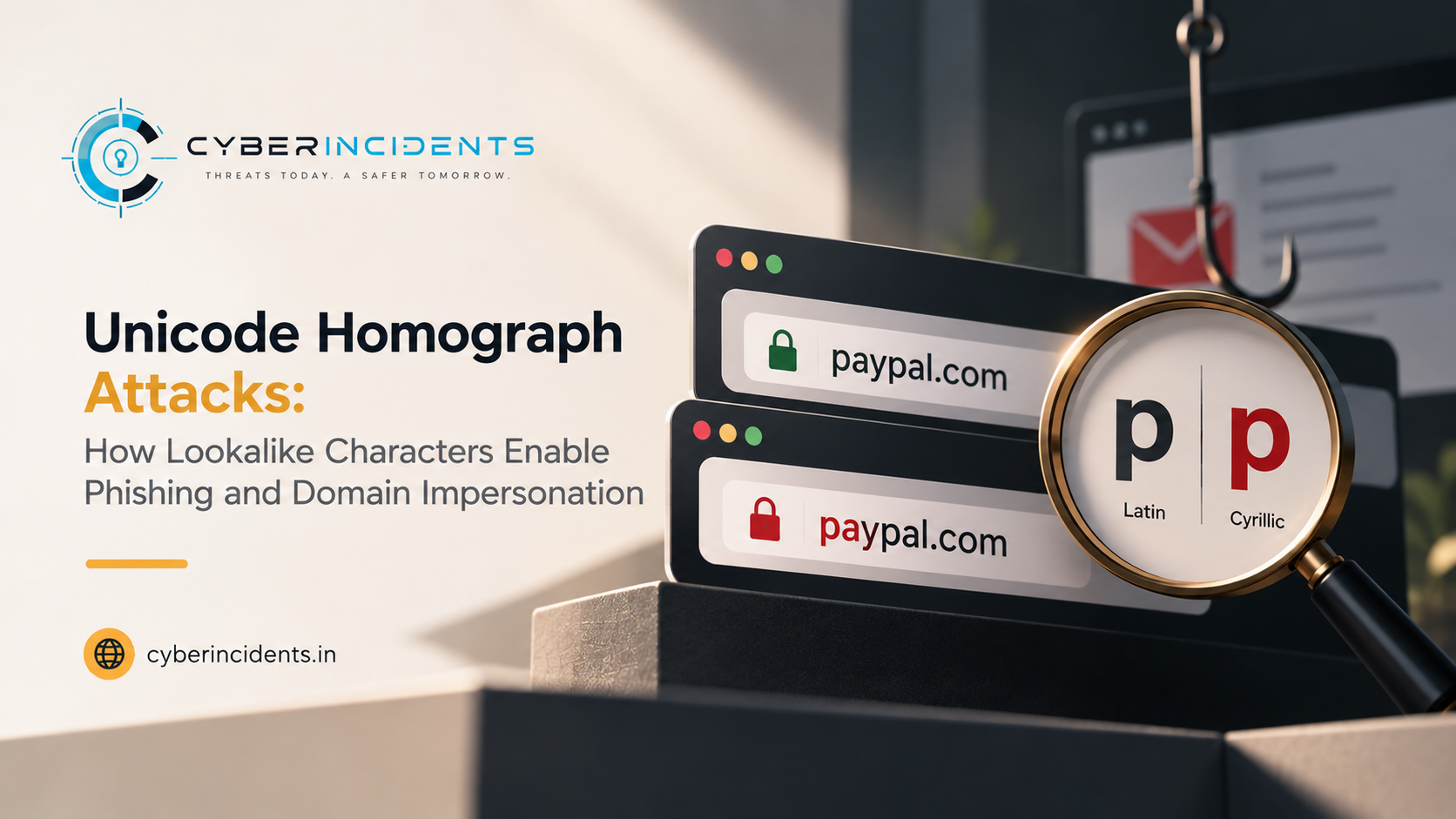
Homograph attacks
Identity Security / Artificial Intelligence
Vulnerability / Mobile Security