Malware & Trojans: Understanding the Basics
Category: Threats & Attacks → Malware & Trojans Level: Beginner
What Is Malware?
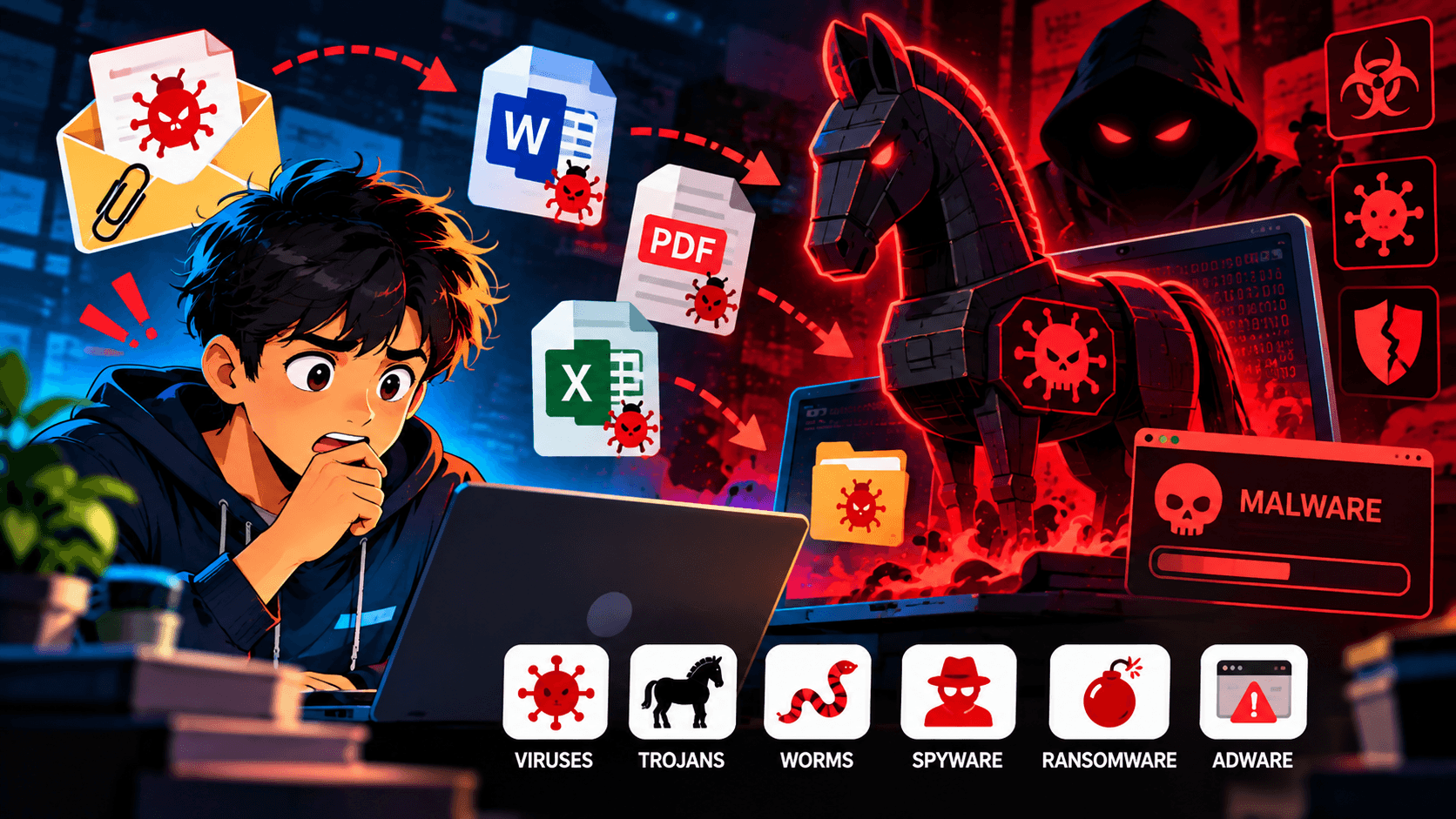
Malware is short for malicious software. It refers to software intentionally created to harm systems, steal information, disrupt operations, or gain unauthorized access.
Malware can target:
Computers
Smartphones
Servers
Networks
Cloud environments
IoT devices
Unlike legitimate software, malware is designed to perform actions that benefit an attacker rather than the system owner.
Common examples include viruses, worms, Trojans, spyware, ransomware, and Remote Access Trojans (RATs).
How Does Malware Get Into a System?
Malware can reach a device through several different methods.
Phishing Emails
A malicious attachment or link can trick a user into downloading malware.
Malicious Downloads
Attackers may disguise malware as legitimate software, documents, or updates.
Vulnerable Software
Attackers can exploit security weaknesses in outdated applications or operating systems.
Compromised Websites
A malicious or compromised website may attempt to deliver malware to visitors.
Removable Devices
USB drives and other removable media can sometimes be used to spread malicious software.
A typical infection might look like:
User Interaction ↓ Malicious File / Link ↓ Malware Executes ↓ System Compromised ↓ Attacker's ObjectiveWhat Is a Trojan?
A Trojan, or Trojan horse, is malware that disguises itself as something legitimate.
The name comes from the ancient story of the Trojan Horse.
The idea is similar: something appears harmless on the outside but contains a hidden threat.
For example, an attacker might distribute a file that appears to be:
A software installer
A document
A game
A browser update
A useful utility
The victim believes the file is legitimate and runs it.
Instead, the program performs malicious actions.
Legitimate-looking Program ↓ User Runs ↓ Hidden Malware ↓ Malicious ActivityThe important distinction is that a Trojan generally relies on deception to get the victim to execute it.
Common Types of Malware
Virus
A virus attaches itself to files or programs and can spread when those files are executed or shared.
Worm
A worm can spread between systems automatically, often without requiring the user to manually execute it on every affected device.
Trojan
A Trojan disguises itself as legitimate software or content to trick the user into running it.
Spyware
Spyware secretly collects information about a user or system.
Ransomware
Ransomware can make files or systems inaccessible and demand payment from victims.
RAT
A Remote Access Trojan (RAT) can provide an attacker with remote control or access to a compromised system.
Infostealer
Infostealers are designed to collect valuable information such as credentials, browser data, cookies, or other sensitive information.
What Can Malware Do?
The impact depends on the type of malware.
Malware may:
Steal passwords
Collect sensitive information
Monitor user activity
Download additional malware
Modify or delete files
Provide remote access
Disable security controls
Encrypt files
Use the system for further attacks
A malware infection therefore does not always mean that files will immediately disappear or become encrypted.
Sometimes the malware may operate quietly for a long period.
Malware vs Trojan: What's the Difference?
This is a common beginner question.
Malware is the broad category.
Trojan is one type of malware.
Think of it like:
Malware │ ├── Virus ├── Worm ├── Trojan ├── Spyware ├── Ransomware ├── RAT └── InfostealerTherefore:
All Trojans are malware, but not all malware is a Trojan.
How Can You Stay Protected?
There is no single control that can prevent every malware infection. A combination of good security practices is more effective.
Keep software updated
Install security updates for operating systems and applications.
Be careful with downloads
Download software from trusted sources and avoid suspicious files.
Be cautious with email attachments
Do not automatically open unexpected attachments, even if the message appears legitimate.
Use security software
Antivirus and endpoint security tools can help detect and block malicious activity.
Use strong authentication
Multi-factor authentication can reduce the damage caused by stolen credentials.
Maintain backups
Important files should have reliable backups so they can be recovered after destructive attacks such as ransomware.
Key Takeaways
Malware means malicious software designed to harm, disrupt, spy on, or gain unauthorized access to systems.
Trojans are malware that disguise themselves as legitimate software or content.
Malware can spread through phishing, malicious downloads, vulnerabilities, compromised websites, and removable devices.
Different malware families have different purposes.
A Trojan does not necessarily behave like a virus or worm; its defining characteristic is deception.
Keeping systems updated, using security software, practicing safe browsing, and maintaining backups can significantly reduce risk.
Final Thought
Malware does not always look dangerous.
A malicious file may appear to be an ordinary document, application, update, or download. That is why cybersecurity is not only about detecting suspicious code—it is also about understanding how attackers trick users and abuse trusted software and systems.
Learning the different types of malware is an important first step toward understanding how modern cyber attacks work.
Latest posts
3 entries, most recent posts.
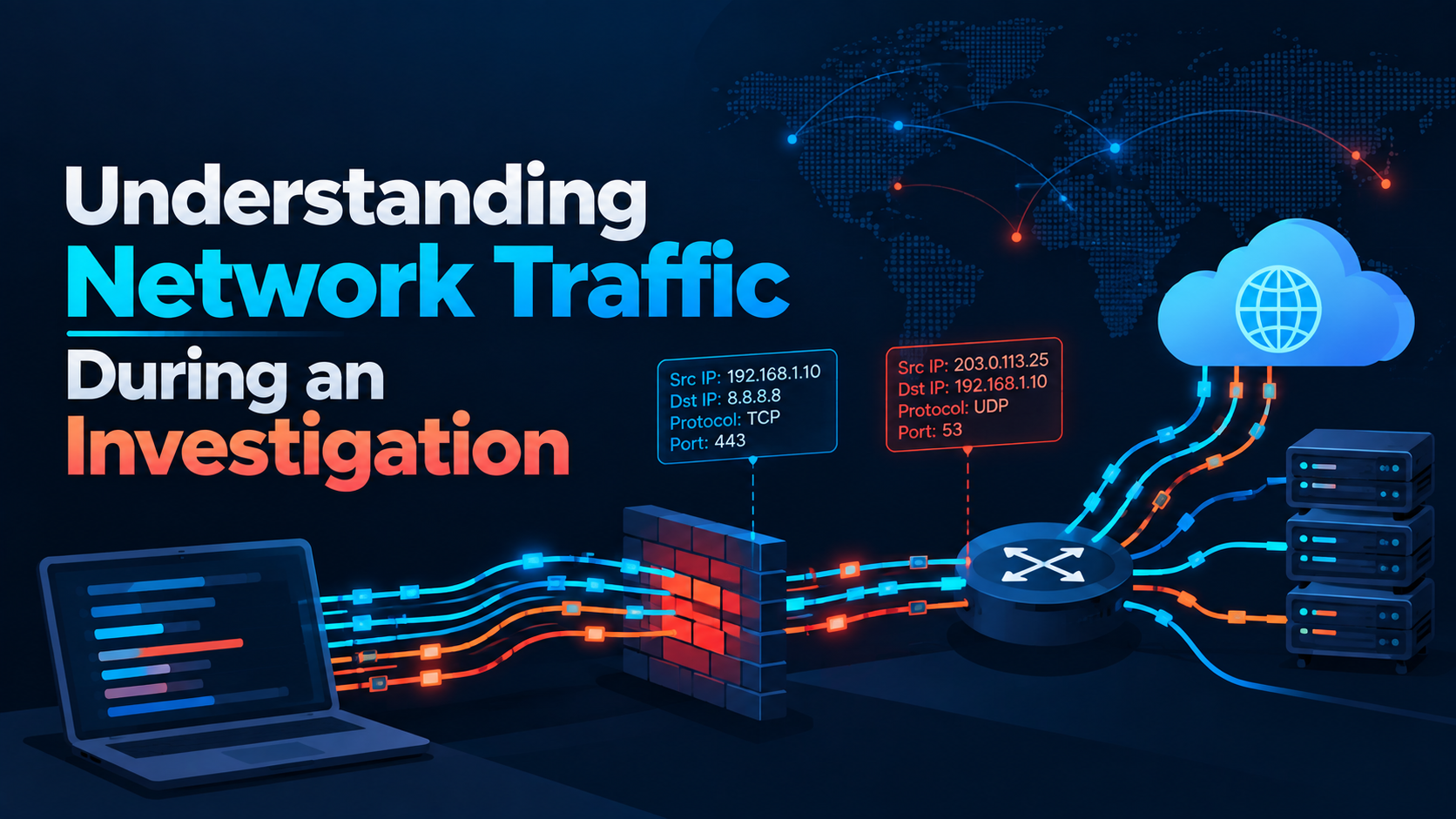
Understanding Network Traffic During an Investigation
Level: Intermediate
Fake ChatGPT, Gemini, and Claude Ad Portals Capture Credentials and MFA Codes
Category: Phishing / Artificial Intelligence

Citrix patches NetScaler SAML zero-day exploited in attacks
Severity: High CVSS: 8.7 Affected Products: Citrix NetScaler ADC & NetScaler Gateway Attack Type: Denial of Service / Possible Remote Code Execution