1. Quick Summary
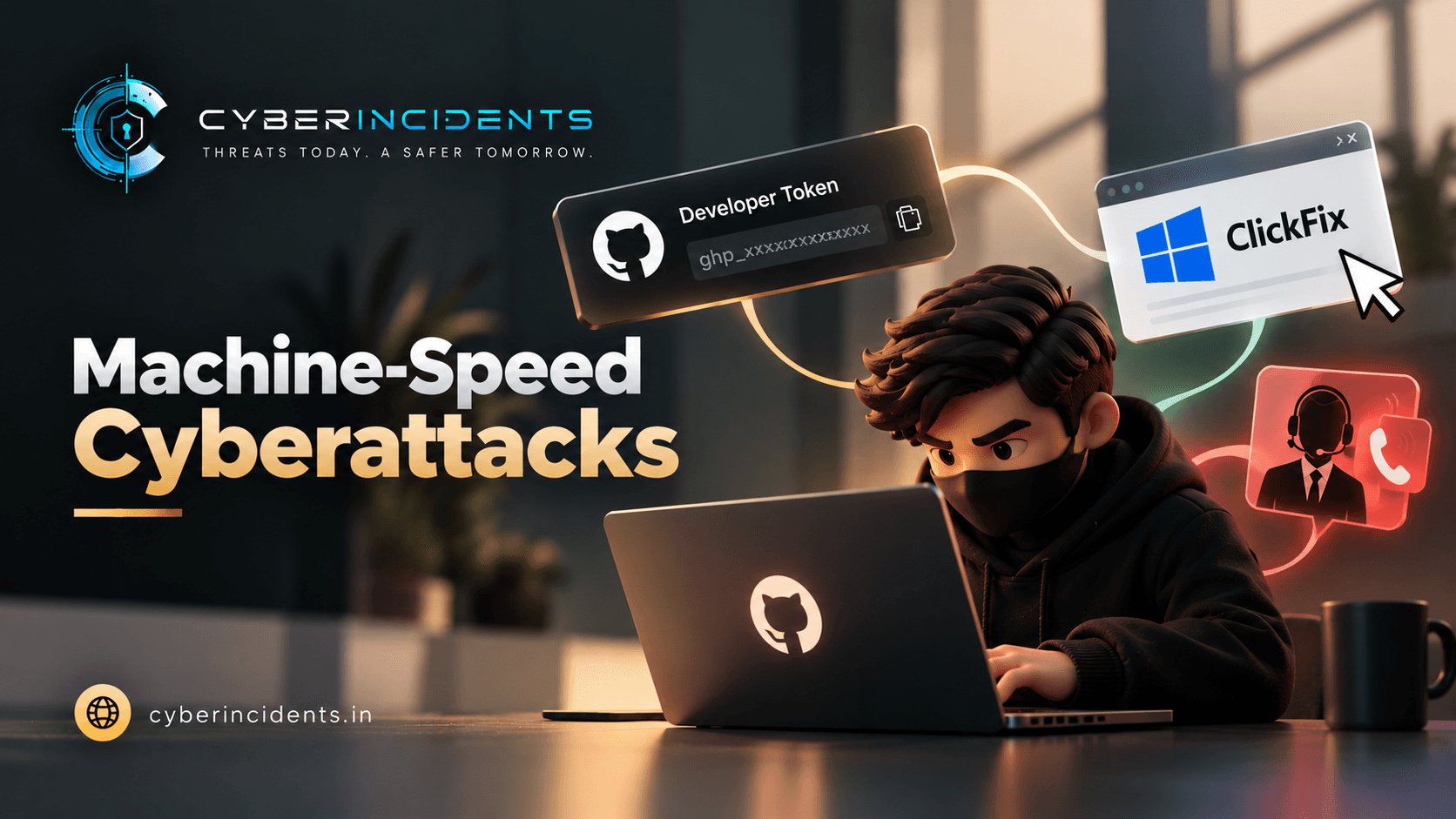
Cyberattacks are increasingly using stolen credentials and legitimate authentication mechanisms to steal sensitive data within minutes of gaining access. A report published by BleepingComputer on October 22, 2026, sponsored by Exaforce, describes three attack patterns: stolen GitHub developer tokens, ClickFix lures targeting AI coding tools, and help desk voice-phishing (vishing) attacks that manipulate employees into approving multifactor authentication (MFA) requests.
The reported incidents demonstrate how attackers can evade conventional security controls by abusing valid tokens, trusted applications and legitimate sign-in workflows. Effective defense requires behavioral detection across identity, endpoint, cloud and SaaS logs, combined with rapid session and credential revocation.
2. Detailed Article
Stolen developer tokens enable rapid repository theft
Attackers are targeting developer credentials stored on endpoints, including OAuth tokens associated with GitHub. These credentials may remain usable long after a developer stops using an application.
In one incident described by Exaforce, an OAuth token created during GitHub Desktop use remained in a Mac's keychain for 95 days before another party began using it. The token reportedly accessed 76 repositories in approximately 15 seconds through residential proxies across more than two dozen European cities.
The investigation found several unusual behaviors: repository downloads occurred at machine speed, the session used a Windows user agent despite the account's established macOS usage, and sign-ins originated from unfamiliar networks and cities. By the time containment action was taken, data had reportedly been exfiltrated from 472 of the organization's 638 repositories.
The report also warns that disabling a developer's identity-provider account may not automatically revoke every previously issued application token. Security teams must therefore validate and revoke credentials directly within the affected services.
ClickFix attacks exploit trust in AI coding tools
A second attack pattern abuses users searching for installation instructions for AI coding assistants.
According to the report, an employee looking for Claude Code installation guidance encountered a shared Claude conversation containing a malicious installation command. Executing the command downloaded a macOS information stealer that displayed a fake system password prompt and attempted to collect keychain data, browser cookies, saved passwords and cloud credentials.
This technique resembles ClickFix social engineering: instead of relying solely on an automatic exploit, attackers persuade victims to execute commands themselves. As a result, traditional email filtering and download controls may not prevent the compromise.
Security teams should investigate suspicious terminal activity, unexpected script execution and unusual access to credential stores. A compromised developer endpoint should also trigger a review of credentials and tokens that may have been exposed.
Help desk vishing bypasses conventional MFA defenses
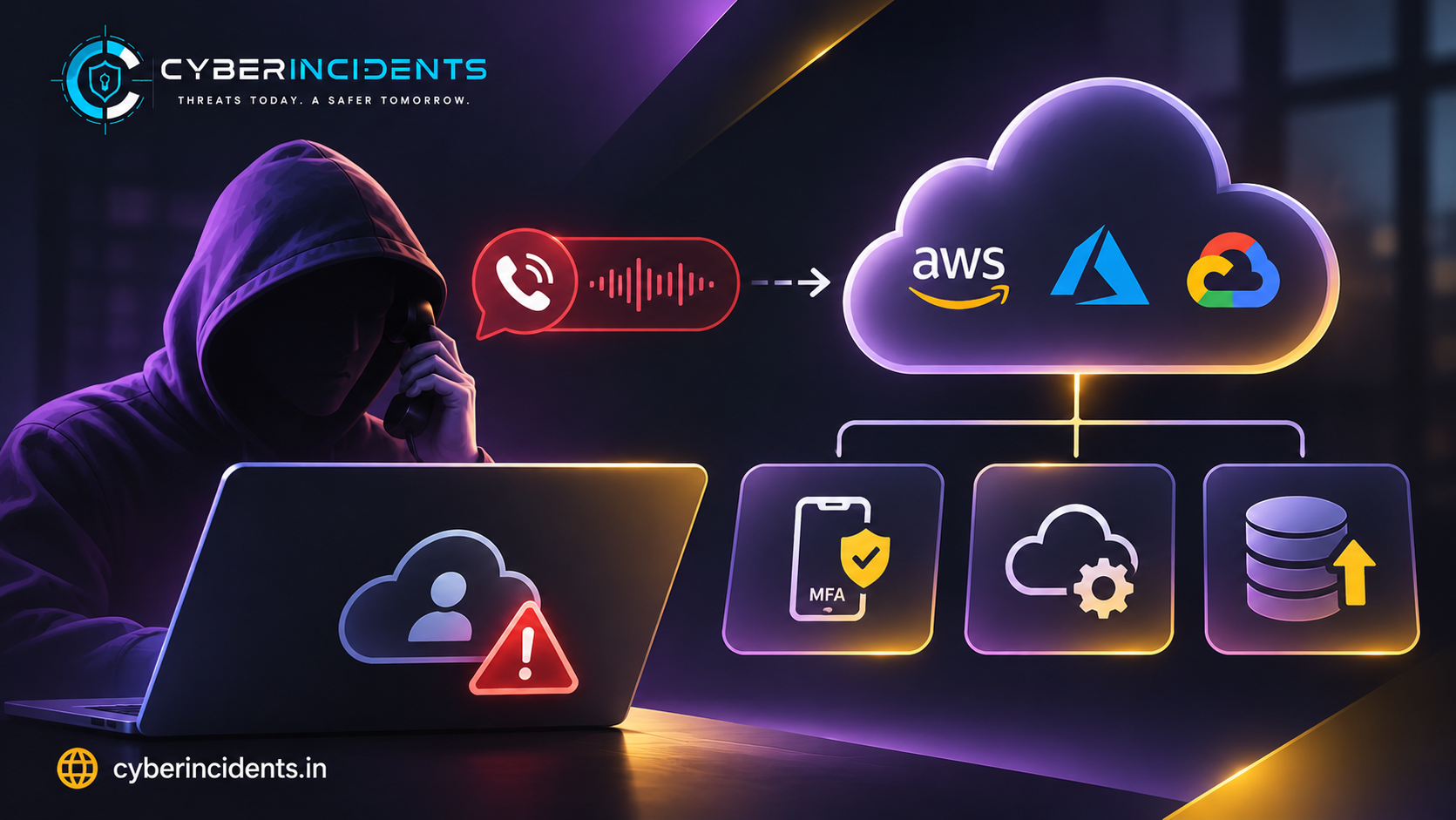
The third pattern involves attackers impersonating IT support staff to convince employees to authenticate through fraudulent sign-in pages or approve genuine MFA prompts.
The report describes cases in which attackers registered their own MFA methods and began bulk data downloads between 2.5 and 7 minutes after victims approved authentication requests. One reported incident involved the exfiltration of 140,000 files followed by a ransom demand.
Attackers may use adversary-in-the-middle (AiTM) proxies or device-code authentication flows to obtain access. Because victims participate in the authentication process, identity providers may initially interpret the sign-in as legitimate or reduce the risk score after MFA succeeds.
A newly registered MFA method, an unfamiliar device, a new network location and rapid subsequent data access can provide stronger evidence when correlated across identity and application logs.
Why machine-speed response matters
The report argues that detection alone is insufficient when an attacker can exfiltrate data within minutes. Organizations should prepare response actions before an incident occurs.
Lower-impact actions, such as revoking suspicious sessions, disabling compromised tokens and removing unauthorized MFA methods, can be automated when supported by high-confidence detections and appropriate safeguards. Higher-impact actions, including account disablement, password resets and changes that could disrupt production services, may require human approval.
Crucially, revoking a session at one identity provider does not necessarily terminate sessions or tokens already issued by GitHub, Microsoft 365, AWS, Google Workspace or other connected applications. Incident response plans must include service-specific revocation procedures and the permissions required to execute them.
Key takeaway
Credential theft, social engineering and token abuse can turn legitimate access into rapid data theft. Defenders should prioritize cross-platform behavioral analytics, short-lived or regularly reviewed credentials where supported, and pretested response workflows that revoke access across affected applications rather than relying on a single identity-provider action.
References
BleepingComputer — Machine speed attacks require machine speed detection and response
CISA — Scattered Spider cybersecurity advisory
Microsoft Security Blog — Passkey-themed social engineering leads to identity cloud compromise
Exaforce — GitHub compromise detection case study
3. IOCs
The source identifies the following domains and technical artifacts in the context of reported attack activity. These are investigation leads, not proof that every occurrence is malicious.
| Indicator | Context |
|---|
oskeysetup[.]com | Domain reported as hosting a custom-built AiTM phishing kit. |
contoso.add-passkey[.]com | Example of a passkey-themed look-alike domain cited in the report; contoso is an illustrative company name, so treat this as an example rather than a confirmed campaign indicator. |
gho_ | Prefix associated in the report with GitHub OAuth tokens. This is a token-format clue, not a malicious IOC by itself. |
Investigation note: Validate domains and token-related findings against current threat intelligence and internal telemetry before blocking or taking action.
4. Hunting Strategy
A. GitHub token abuse and repository exfiltration
Review GitHub audit and authentication logs for unusual token activity, unfamiliar source networks, new geographic locations and unexpected user agents.
Identify repository downloads or archive requests occurring at unusually high volume or speed.
Compare activity with the user's historical operating system, device, network and repository-access patterns.
Investigate dormant OAuth credentials that suddenly become active.
Review token authorizations and revoke confirmed compromised credentials directly in GitHub.
Examine developer endpoints for suspicious npm package installation activity and possible credential access.
B. ClickFix and macOS information stealers
Investigate unusual commands executed through Terminal or shell processes, especially commands associated with untrusted installation instructions.
Review endpoint telemetry for unexpected downloads, script execution and outbound network connections.
Investigate suspicious access to macOS keychain data, browser profiles, cookies and saved credentials.
Correlate terminal activity with new cloud sign-ins, unusual GitHub access or newly created API tokens.
If compromise is suspected, identify and revoke exposed credentials across the services the user accessed.
C. Help desk vishing and MFA manipulation
Identify new MFA methods registered shortly after suspicious sign-ins or reported help desk calls.
Correlate identity-provider logs across Okta, Microsoft Entra ID and other relevant services.
Hunt for successful authentication followed by sign-ins from unfamiliar devices, networks or countries.
Investigate device-code authentication and suspected AiTM activity when inconsistent with the user's normal behavior.
Look for rapid bulk downloads, mailbox-rule changes, new OAuth authorizations and unusual SaaS activity following authentication.
Review multiple employee accounts for shared infrastructure, domains or similar attack sequences.
D. Response validation
Verify that revoking identity-provider sessions also addresses application-specific sessions and tokens.
Test preapproved response workflows and confirm their service-account permissions.
Prioritize services containing source code, cloud infrastructure, business data and sensitive communications.
Preserve relevant logs and evidence before making changes that could disrupt an investigation.
5. Precautions
Protect developer credentials: Review OAuth token authorizations, remove unused credentials and revoke compromised tokens directly within the relevant services.
Secure developer endpoints: Monitor untrusted package installations, terminal commands and access to credential stores.
Train against ClickFix: Tell employees never to execute commands copied from unverified websites, shared AI conversations or unsolicited support instructions.
Strengthen help desk verification: Require approved identity-verification procedures before changing authentication factors or helping users recover accounts.
Harden authentication: Use phishing-resistant authentication methods where supported and investigate unexpected MFA registrations.
Monitor behavior, not just sign-ins: Correlate authentication, token usage, repository downloads and cloud data access.
Prepare application-specific containment: Document and test session revocation and token invalidation procedures for each critical SaaS and cloud service.
Automate carefully: Automate reversible, low-impact actions for high-confidence incidents while retaining appropriate approval for disruptive changes.
Validate permissions: Ensure incident-response automation has the necessary least-privilege permissions before an emergency occurs.
Investigate the full scope: After suspected credential theft, assess all potentially exposed tokens, sessions, credentials and application integrations—not only the initially compromised account.