1. Introduction: The Moment an Infection Begins
A user receives an email containing an attachment that appears to be an invoice. The document looks legitimate, so they open it. A warning appears, a script runs, and within seconds, a process that the user never intended to launch begins executing in the background.
From the user's perspective, nothing unusual may happen. The document opens, the computer continues working, and no obvious signs of infection appear.
Behind the scenes, however, a sequence of events may already be unfolding.
The malicious code may launch additional processes, download another payload, modify system settings, or create a mechanism that allows it to run again after a reboot. What began as a single interaction can become a persistent compromise.
For a Security Operations Centre (SOC), the important question is not simply whether malware executed. Analysts must determine how it started, what it did, whether it established persistence, and what evidence remains on the system.
2. Stage One: Initial Delivery and Execution
Before malware can affect a system, it needs an opportunity to execute. That opportunity may come from a malicious email attachment, a compromised website, a fake software installer, a vulnerable application, or an already compromised account.
Common delivery methods include:
Phishing attachments: Documents, archives, scripts, or executables designed to encourage execution.
Fake software updates: Installers that appear legitimate but contain malicious code.
Drive-by downloads: Downloads initiated through malicious or compromised websites, sometimes exploiting browser or application vulnerabilities.
Exploited vulnerabilities: Attackers exploit a weakness to execute code without the expected user interaction.
Abuse of legitimate tools: Attackers misuse interpreters or system utilities such as PowerShell, Windows Script Host, or command-line utilities.
Delivery and execution are separate events. A file being downloaded does not prove that it ran, and a suspicious process does not automatically prove that malware was involved.
What happens during execution?
Once the malicious code runs, it may create a process, load code into memory, invoke an interpreter, or launch another executable. Some malware operates primarily through files on disk, while other threats use scripts, memory-resident code, or legitimate system components.
Consider a hypothetical sequence:
WINWORD.EXE → powershell.exe → suspicious_script.ps1
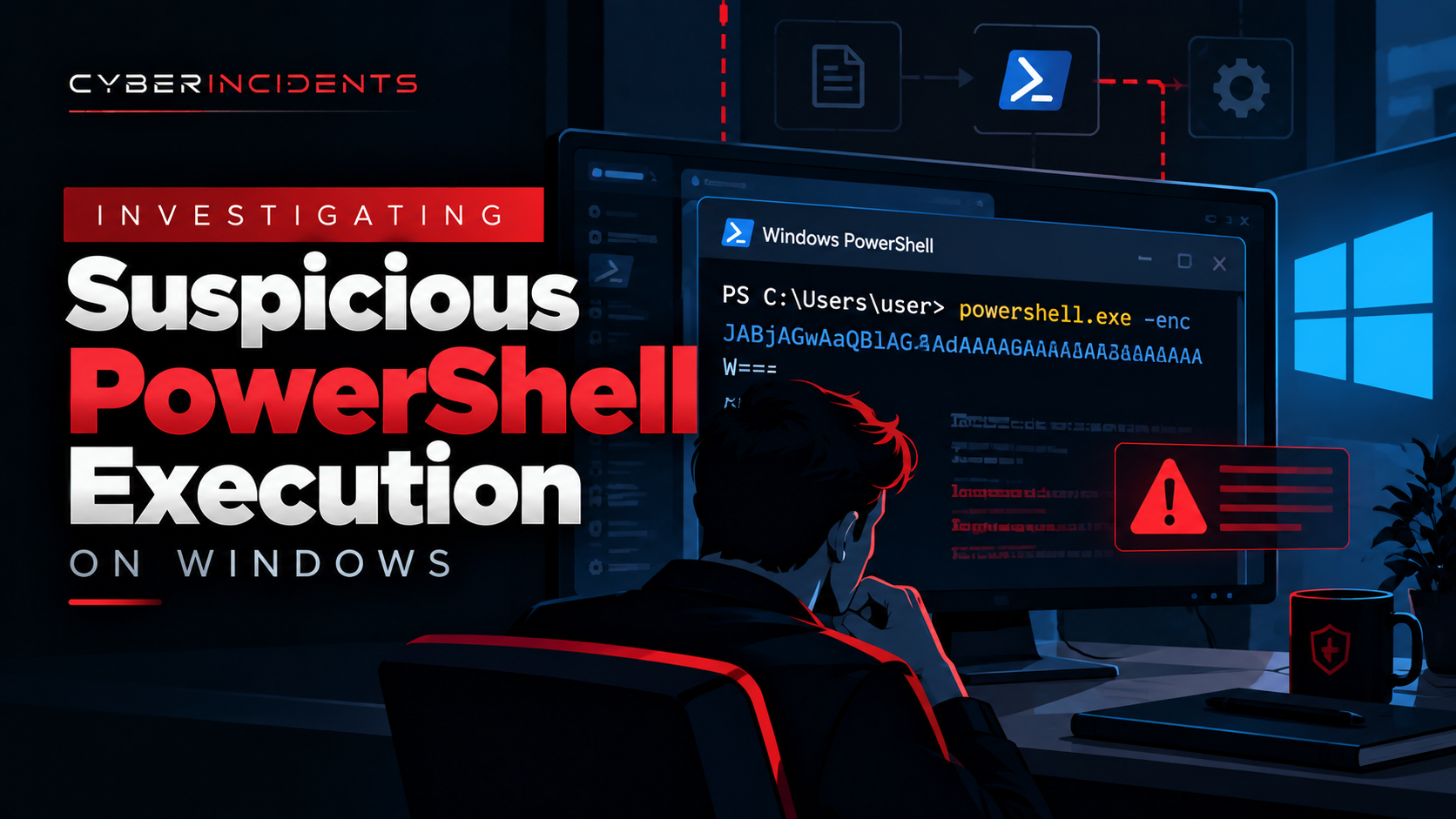
This process chain may indicate that Microsoft Word launched PowerShell, which then executed a script. It warrants investigation, particularly if the activity was unexpected.
However, a process chain alone does not establish malicious intent. Analysts need command-line arguments, file information, user context, timestamps, script content where available, and supporting endpoint or network telemetry.
MITRE ATT&CK context: Depending on the evidence, this activity may relate to User Execution (T1204), PowerShell (T1059.001), or other execution techniques. These mappings should reflect observed behaviour rather than assumptions.
3. Stage Two: Payload Installation and Secondary Execution
The first program executed by an attacker is not necessarily the main malware payload.
In many infections, an initial script or lightweight loader performs a limited set of tasks. It may retrieve a second-stage payload, unpack an embedded file, launch another process, or prepare the environment for a more capable component.
This creates a chain of execution that can be difficult to understand by examining only the original file.
For example:
A user opens a malicious attachment.
A script interpreter starts.
The script contacts an external server or accesses an embedded payload.
A second executable or script is launched.
The secondary component begins carrying out the attacker's objectives.
This is an illustrative scenario, not a universal malware sequence. Some malware performs all its actions within one process, while other infections involve several stages.
What should investigators look for?
SOC analysts should establish the relationship between the original process and any subsequent activity.
Useful evidence includes:
Parent-child process relationships.
Process creation timestamps and command-line arguments.
Newly created or modified executable and script files.
File hashes and digital-signature information.
Network connections associated with the process.
Endpoint protection detections and quarantine events.
Script execution logs, where enabled and available.
The goal is to identify the complete execution chain and determine which components actually ran.
4. Stage Three: Discovery and Defence Evasion
After execution, malware may attempt to understand the environment in which it is running. The information it gathers can help an attacker decide what to do next.
Potential discovery activities include identifying the operating system, current user, running processes, security software, network configuration, domain membership, and accessible resources.
Some malware also attempts to make its activity harder to detect. Depending on the threat, it may use obfuscation, masquerade as a legitimate file, alter execution behaviour, or misuse trusted system tools.
Examples of suspicious activity include:
A script launching multiple system-discovery commands shortly after an unexpected document execution.
An executable using a name similar to a legitimate Windows component while running from an unusual directory.
A process attempting to disable security tools or interfere with monitoring.
A program creating unexpected scheduled tasks or modifying startup-related settings.
These behaviours require context. Administrators and legitimate software also perform discovery, create scheduled tasks, and modify system settings.
Investigation principle: Look for combinations of events that form a coherent attack sequence, rather than treating every unusual command or system modification as proof of infection.
5. Stage Four: Establishing Persistence
Persistence is one of the most important stages of a malware investigation.
A malicious program may execute successfully but disappear when the process ends or the computer restarts. To maintain access, malware may attempt to arrange for its code or a related component to execute again in the future.
This is known as persistence.
On Windows systems, common mechanisms that investigators may encounter include:
Registry Run keys
Windows provides registry locations that allow applications to launch when a user signs in. Malware may abuse these locations by adding a value that points to a malicious executable or script.
An investigator may find a newly created Run-key entry referencing a file in an unusual directory. The entry's creation time, referenced file, associated user, and surrounding process activity can help establish whether it is malicious.
Scheduled tasks
Scheduled tasks allow programs to run at specified times, during logon, at startup, or in response to particular events.
Attackers may abuse this functionality to launch malware repeatedly or at a later time. A suspicious task should be examined for its action, trigger, creator, execution account, and referenced file.
Windows services
Windows services can run in the background, including when no user is interactively logged in. An attacker with sufficient privileges may create or modify a service to launch a malicious component.
A newly installed service pointing to an unexpected executable deserves investigation. Analysts should correlate service configuration changes with process creation, file writes, account activity, and privilege context.
Startup folders
Applications placed in relevant Windows Startup folders may run when a user signs in. Malware may use this mechanism to execute again during future sessions.
Investigators should identify recently added files, determine their origin, and examine whether the files were launched.
Other persistence mechanisms
Depending on the malware and environment, investigators may also encounter WMI event subscriptions, modified logon scripts, DLL search-order hijacking, or other mechanisms.
No single mechanism is present in every infection. Persistence may be user-level or system-level, and the privileges required vary by technique.
MITRE ATT&CK context: Relevant techniques can include Registry Run Keys / Startup Folder (T1547.001), Scheduled Task/Job (T1053), and Windows Service (T1543.003). Apply these mappings only when the corresponding behaviour is supported by evidence.
6. Stage Five: Command-and-Control Communication
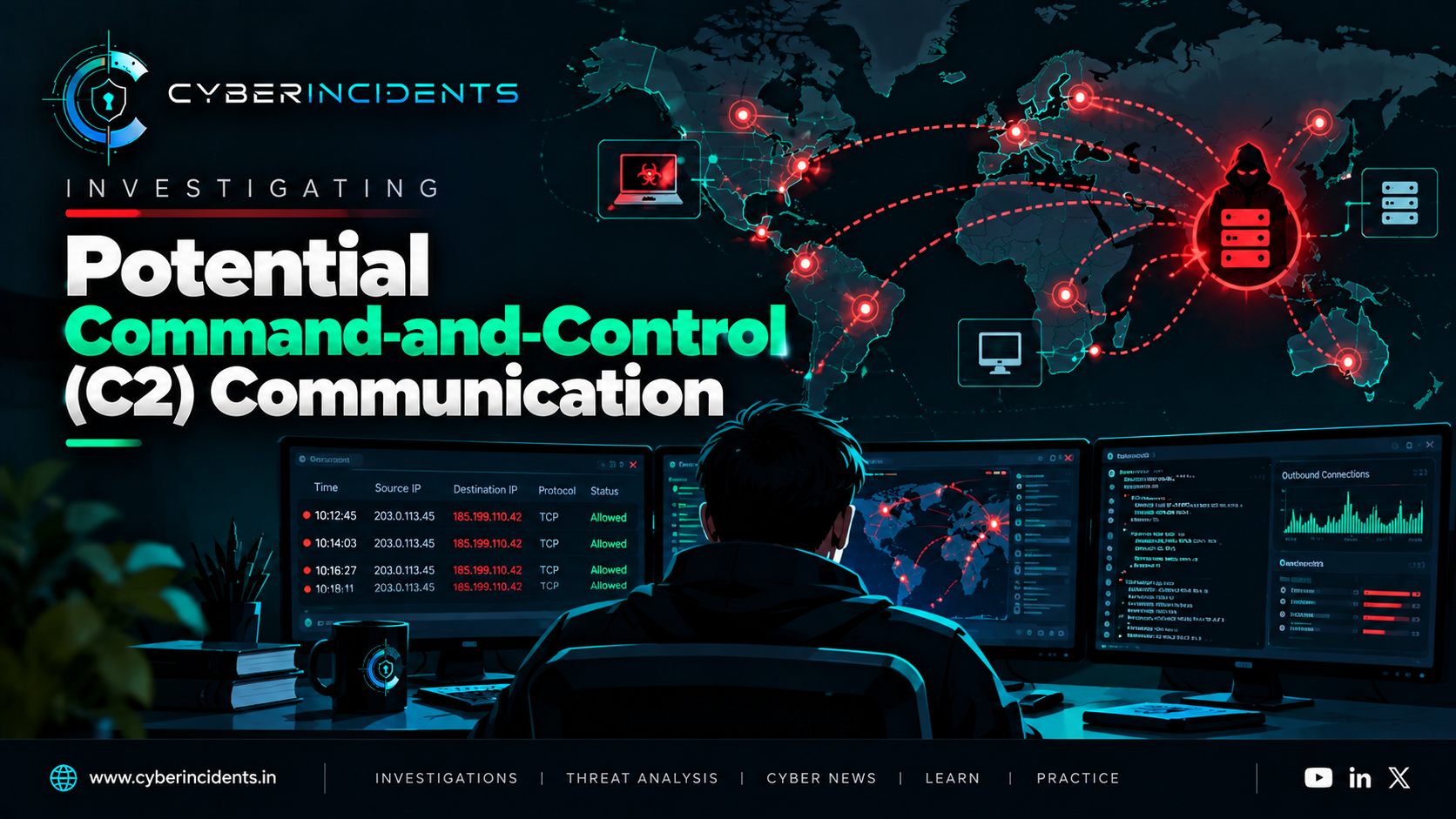
Some malware attempts to communicate with attacker-controlled infrastructure. This communication may allow an operator to issue commands, receive system information, or deliver additional payloads.
This is commonly called command-and-control (C2) communication.
Depending on the malware, communication may use HTTP or HTTPS, DNS, or other protocols. Some threats communicate at regular intervals, while others connect only when specific events occur.
Potential indicators include:
An unexpected outbound connection from a suspicious process.
Repeated connections to an unfamiliar domain or IP address.
DNS queries that correlate with suspicious process execution.
Network activity occurring shortly after a malicious file runs.
Connections to infrastructure already associated with a confirmed threat.
An unfamiliar destination is not automatically malicious. Analysts should assess domain reputation, destination ownership, connection timing, process attribution, DNS history where available, and the wider incident timeline.
Network evidence can help establish whether a payload merely executed locally or also attempted to communicate externally.
MITRE ATT&CK context: Command and Control (TA0011) describes the broader tactic. The specific technique depends on the observed communication method.
7. Stage Six: Payload Activity and Impact
Once malware is running, it may perform activities that directly affect the confidentiality, integrity, or availability of a system.
The exact behaviour depends on the malware family and the attacker's objective. A credential stealer, ransomware payload, remote-access tool, and botnet implant may follow very different paths.
Possible activities include:
Collecting credentials or other sensitive information.
Capturing system and user details.
Accessing files or shared resources.
Downloading and executing additional tools.
Attempting lateral movement.
Encrypting, modifying, or deleting data.
Preparing information for exfiltration.
Not every infection reaches this stage, and not every suspicious activity proves that data was stolen or systems were damaged.
For example, a ransomware-related detection does not by itself prove that files were successfully encrypted. Investigators should examine file modifications, ransom-note creation, process behaviour, endpoint alerts, and affected systems to determine the actual impact.
The distinction between attempted behaviour and confirmed impact is essential in incident reporting.
8. How SOC Analysts Investigate a Malware Infection
A strong investigation reconstructs the sequence of events from available evidence. Analysts should avoid starting with the assumption that every stage occurred.
Step 1: Validate the detection
Review the original alert and identify the affected endpoint, user, process, timestamp, file path, and detection reason.
Determine whether the detection is supported by endpoint telemetry, antivirus results, sandbox findings, or other evidence.
Step 2: Reconstruct process execution
Examine the process tree and identify the initial process, its parent, child processes, command-line arguments, and execution times.
Look for suspicious interpreters, unexpected executable locations, encoded commands, or relationships that are inconsistent with normal application behaviour.
Step 3: Investigate files and payloads
Identify files created, downloaded, renamed, or modified during the suspected infection window.
Where appropriate, calculate file hashes and check them against trusted threat-intelligence sources. Review digital signatures and file metadata, but remember that a valid signature does not guarantee that a file is safe.
Do not execute a suspicious sample on a production endpoint for testing. Use an approved, isolated analysis environment.
Step 4: Search for persistence
Inspect relevant registry autorun locations, scheduled tasks, services, Startup folders, and other mechanisms appropriate to the observed behaviour.
For each finding, establish:
What was created or modified?
Which process or account performed the change?
When did it happen?
What file or command does it reference?
Is the referenced component known and expected?
Did the mechanism execute after creation?
A persistence artifact should be correlated with the suspected malware rather than treated as conclusive evidence in isolation.
Step 5: Correlate endpoint and network activity
Review DNS queries, proxy logs, firewall events, network detection data, and endpoint network connections.
Where telemetry supports it, link external communications to the relevant process and determine whether the destination was contacted before or after the suspected execution.
Step 6: Assess scope and impact
Search across the environment for related hashes, filenames, domains, IP addresses, process command lines, persistence artifacts, and account activity.
Determine whether the event is limited to one endpoint or whether other systems show related behaviour. Assess possible credential exposure, lateral movement, data access, and service disruption.
Step 7: Contain and remediate
Follow the organisation's incident-response procedures. Depending on severity, this may involve isolating affected endpoints, blocking confirmed malicious infrastructure, disabling compromised accounts, preserving forensic evidence, and removing malicious persistence.
For serious incidents, preserve evidence before destructive remediation where feasible and safe. Rebuild compromised systems when warranted, rotate exposed credentials, and validate that persistence and related malicious components have been removed.
Step 8: Document the timeline
Record confirmed events in chronological order. Clearly separate observed facts, analyst interpretations, and unresolved questions.
The final report should explain the initial execution, any secondary payloads, discovered persistence, external communications, affected assets, response actions, and remaining risks.
9. Evidence Sources and Useful Windows Telemetry
The following sources can help reconstruct an infection. Availability depends on system configuration, logging policies, retention, and security products.
Evidence sourceWhat it can help establishEDR process telemetryProcess trees, command lines, file activity, and process-linked network connectionsWindows Security Event ID 4688Process creation, when the relevant auditing is enabled; command-line capture requires additional configurationSysmon Event ID 1Process creation, including configured process and command-line detailsSysmon Event ID 11File creation events captured by SysmonSysmon Event ID 12–14Registry object creation, deletion, or value changes captured by SysmonSysmon Event ID 3Network connections, if network connection logging is enabledTask Scheduler logsTask registration, execution, and related task activity, depending on available logsService installation eventsEvidence of service creation; for example, Security Event ID 4697 when the relevant auditing is enabledPowerShell logsScript and command activity, depending on logging configurationDNS, proxy, and firewall logsName resolution and outbound connection evidenceAntivirus and EDR alertsDetections, remediation actions, and associated behavioural evidence
Important: No single log source provides a complete picture. A missing event does not prove that an action did not occur. Investigators should account for logging coverage, event retention, endpoint configuration, and possible gaps in telemetry.
10. Building an Infection Timeline
A simplified timeline may look like this:
TimeHypothetical observationInvestigative significance09:14User opens an unexpected attachmentPossible initial execution opportunity09:15Document process launches a script interpreterSuspicious process relationship to validate09:16A new executable appears in a user-writable directoryPossible secondary payload09:17A registry autorun value is createdPossible persistence mechanism09:19The suspicious process makes an outbound connectionPossible C2 activity09:30Endpoint detection identifies malicious behaviourDetection and response opportunity
This timeline is illustrative, not a record of a real incident. Each event would need supporting telemetry before being included as a confirmed finding.
A timeline helps analysts connect individual events and identify gaps. It can also guide searches across other endpoints to determine whether the same sequence occurred elsewhere.
11. Common Investigation Mistakes
Even experienced analysts can draw incorrect conclusions when evidence is incomplete. Common mistakes include:
Treating execution as proof of compromise: A suspicious file may have been blocked before it executed.
Assuming persistence exists: Malware may execute once without creating any lasting mechanism.
Equating an external connection with C2: Legitimate software can communicate with unfamiliar destinations.
Relying only on file hashes: Hash-based searches may miss modified samples, fileless activity, and behaviourally similar variants.
Ignoring the parent process: The process that launched a suspicious command can provide important clues about the initial access or execution method.
Confusing attempted actions with successful outcomes: An attempted file encryption, credential access, or network connection does not necessarily mean the objective was achieved.
Remediating before preserving evidence: Premature deletion may remove artifacts needed to reconstruct the incident.
A reliable investigation combines multiple sources and assigns confidence to conclusions based on the evidence available.
12. Prevention and Defensive Recommendations
Organisations can reduce the likelihood and impact of malware infections through layered controls:
Endpoint protection: Deploy and maintain EDR or antivirus controls with behavioural detection and appropriate response capabilities.
Application control: Restrict execution of unauthorised software and scripts where operationally feasible.
Least privilege: Limit administrative rights and separate privileged accounts from routine user accounts.
Email and web security: Filter malicious attachments, suspicious links, and untrusted downloads.
Patch management: Prioritise security updates for operating systems, browsers, applications, and exposed services.
Centralised logging: Collect process, authentication, PowerShell, registry, service, scheduled-task, DNS, and network telemetry where appropriate.
Persistence monitoring: Alert on unexpected autorun changes, suspicious scheduled tasks, and unauthorised service creation.
Network controls: Restrict unnecessary outbound traffic and investigate suspicious process-linked connections.
Backups and recovery: Maintain protected backups and regularly test restoration procedures.
Incident-response readiness: Establish procedures for evidence preservation, endpoint isolation, credential resets, eradication, and recovery.
No single control prevents every infection. Detection and response become more effective when endpoint, identity, network, and threat-intelligence evidence can be correlated.
Conclusion
A malware infection is not simply the moment a suspicious file runs. It is a sequence of behaviours that may begin with delivery and execution, continue through discovery and payload activity, and include attempts to establish persistence or communicate with external infrastructure.
For SOC analysts, the objective is to reconstruct that sequence using reliable evidence. Process relationships explain how code ran, file and configuration changes reveal what it modified, persistence artifacts show how it may return, and network telemetry helps identify external communication.
The most effective investigations distinguish between what was observed, what is strongly supported, and what remains unknown. That distinction produces better incident reports, more accurate containment decisions, and stronger long-term detections.
Further reading
MITRE ATT&CK — Adversary tactics, techniques, and procedures.
Microsoft Sysinternals — Windows investigation and troubleshooting utilities.
Microsoft Learn: Windows Security Auditing — Windows audit policies and event logging.
CISA — Cybersecurity advisories and incident-response guidance.